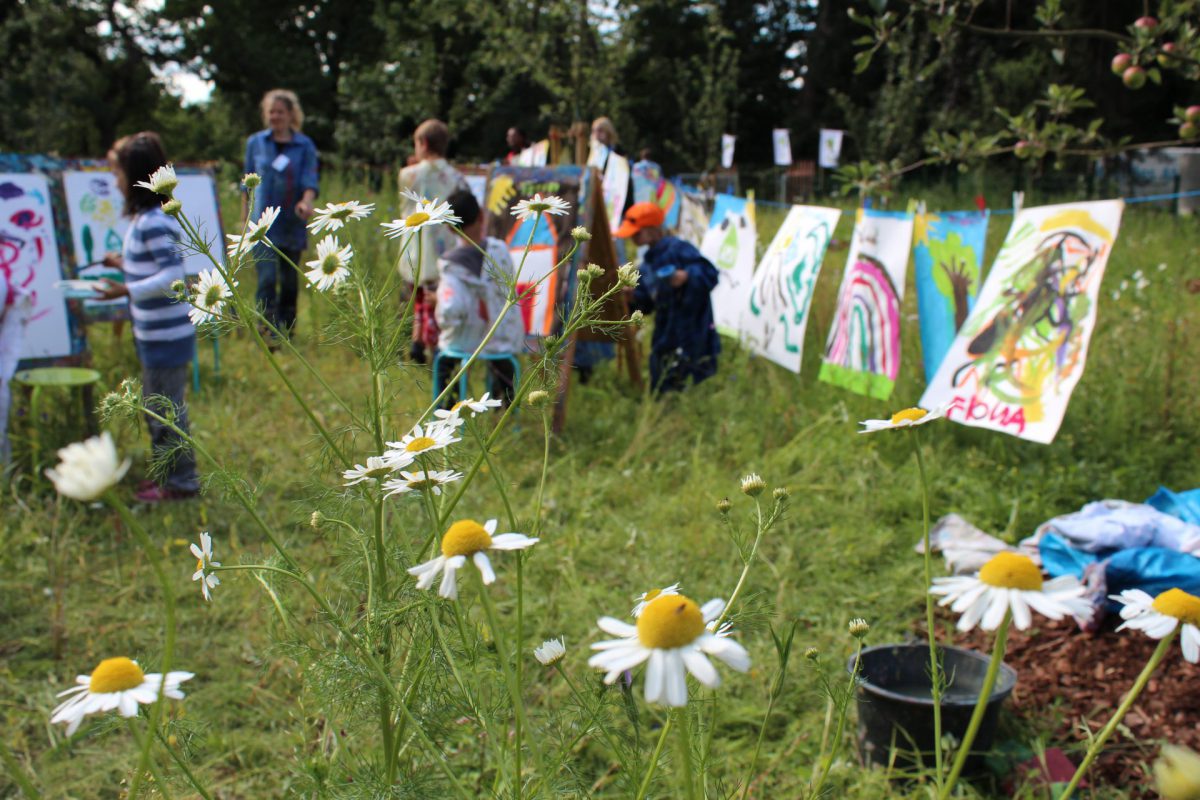
Mit Wald, Baumhaus und Wasserpumpe lädt das ApfelKulturParadies zum Spielen, Klettern, Toben und Picknicken ein. Auch Bienenvölker haben inzwischen ein Zuhause im Paradies gefunden.
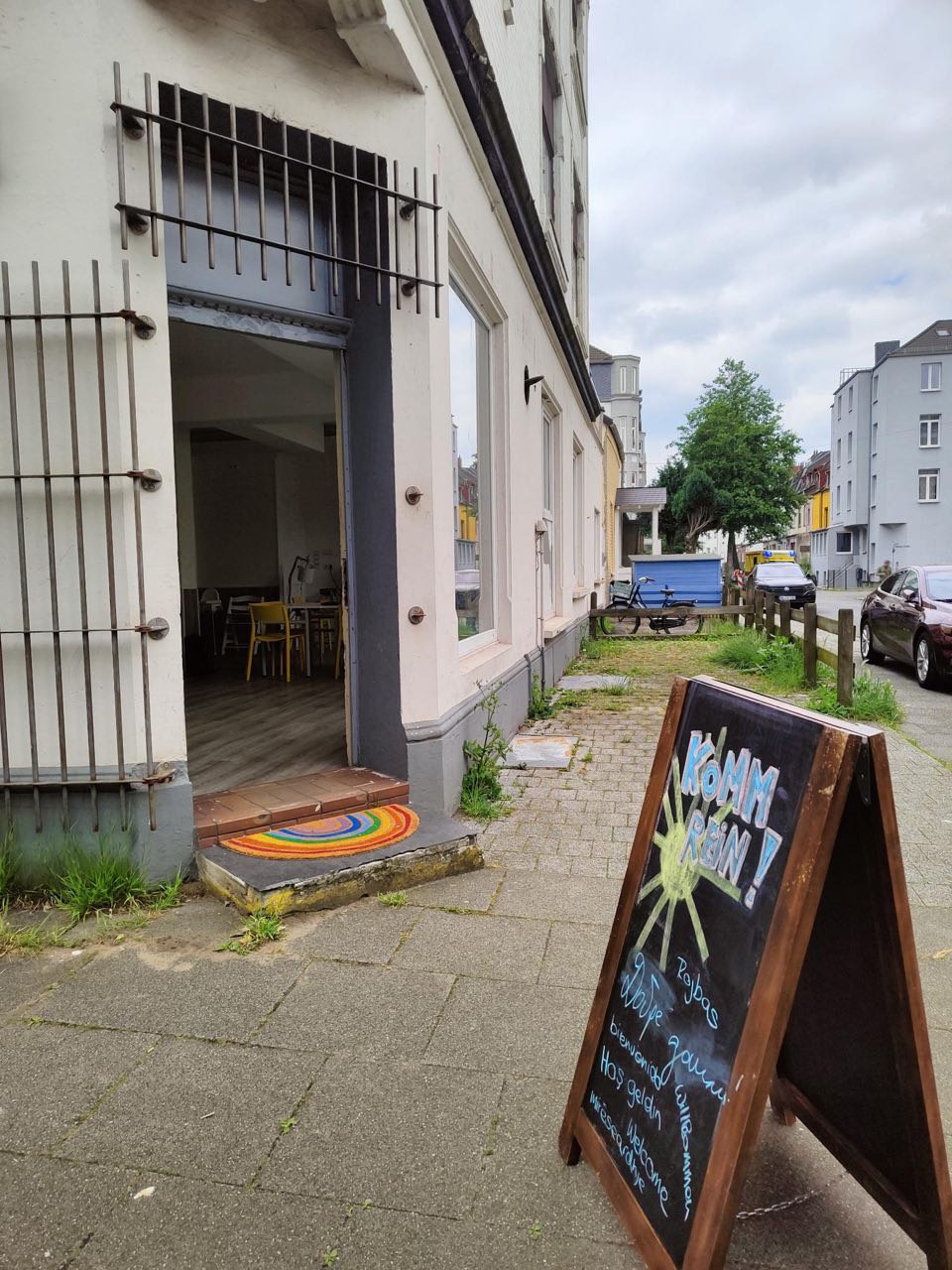
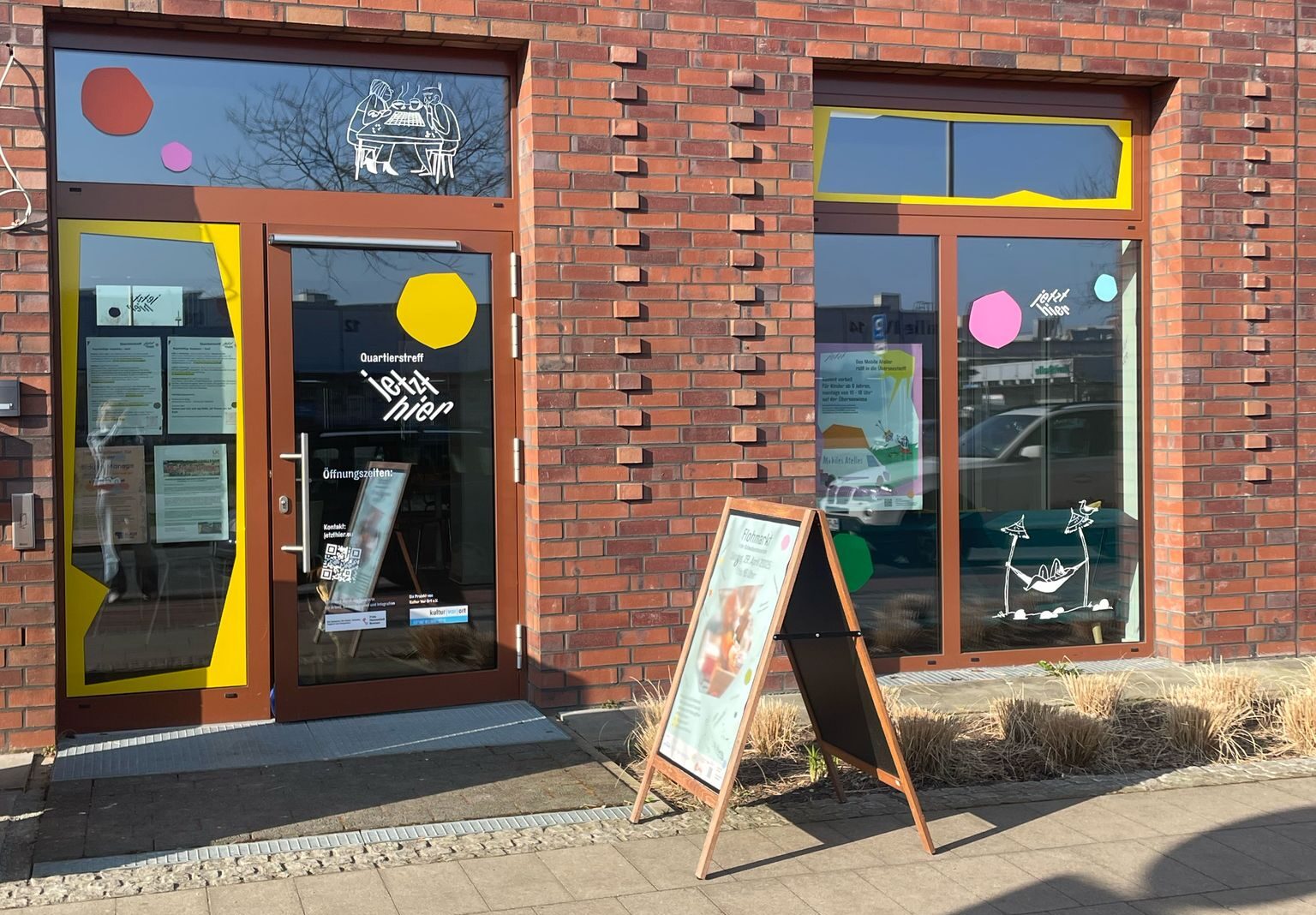
Im Herzen des Liegnitzquartiers in Gröpelingen befindet sich der Treff in der Liegnitzstraße 43 – ein lebendiger Ort für die ganze Nachbarschaft. Der Treff bietet verschiedene Aktivitäten und Programme an, um Menschen zusammenzubringen und das soziale Leben im Viertel zu stärken.
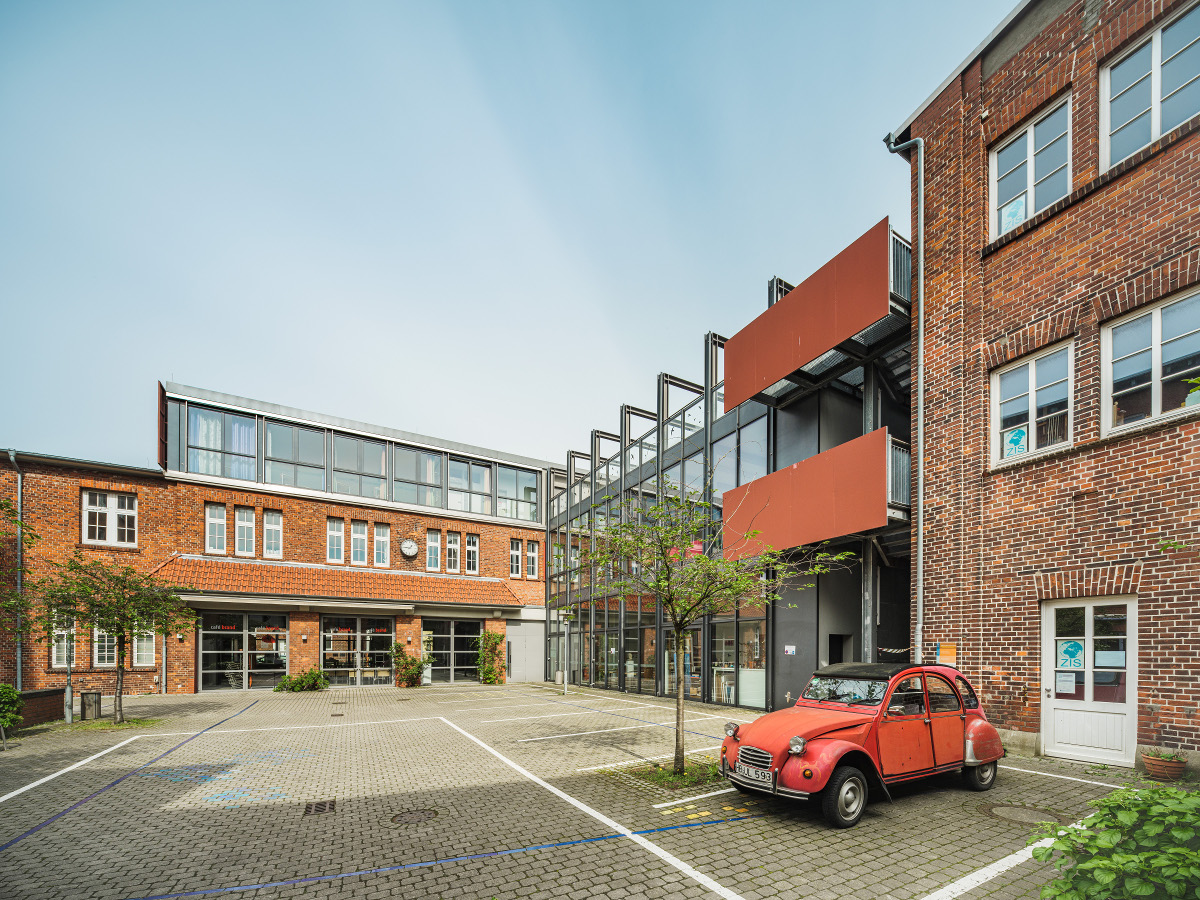
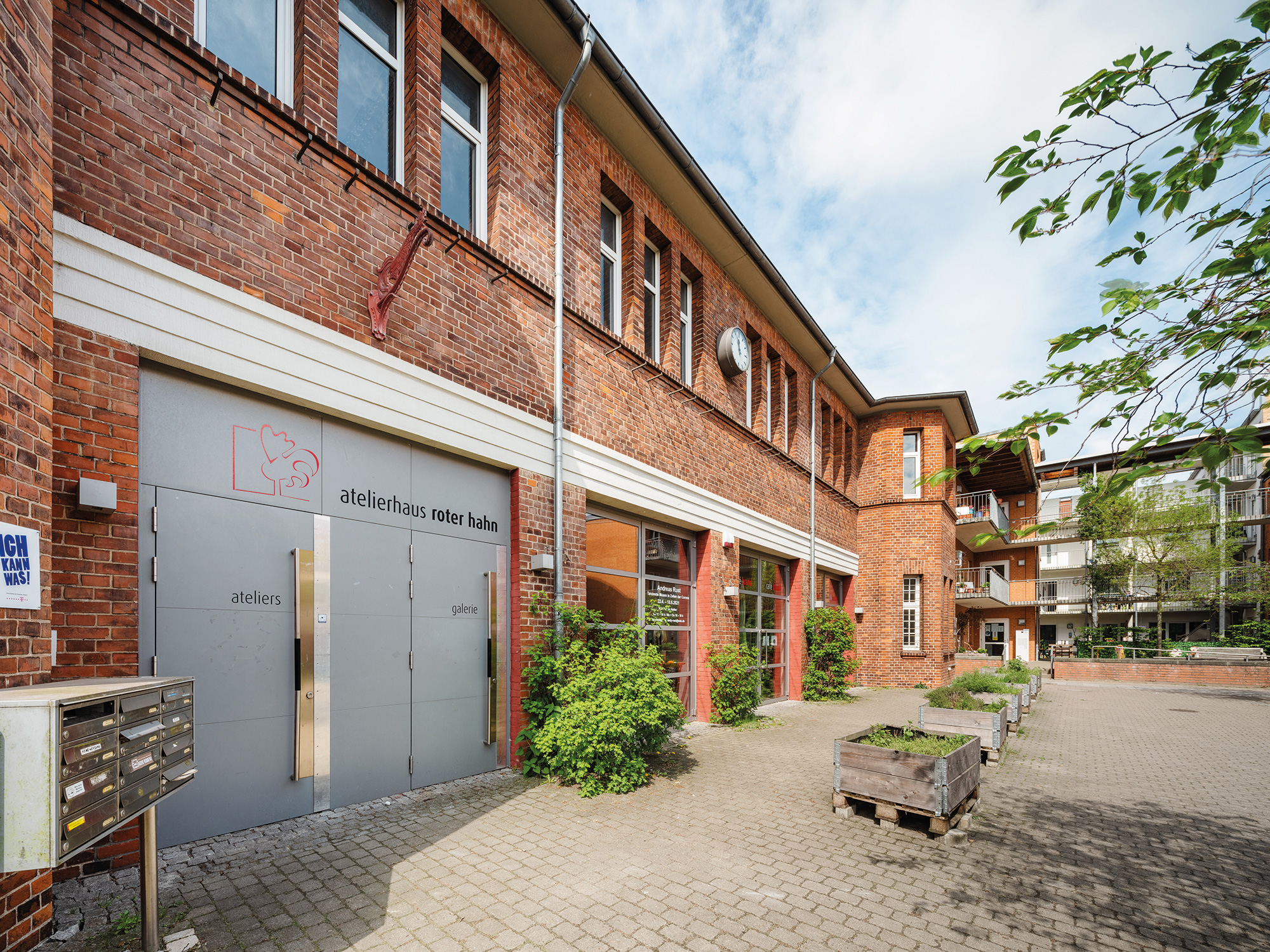
Das Atelierhaus Roter Hahn hat sich zu einem Kristallisationspunkt für kulturelle Bildung entwickelt. Das Café Brand ist ein Treffpunkt vieler Akteure und Kooperationspartner, die Galerie ist Ort ambitionierter Ausstellungen. Darüber hinaus befinden sich hier mehrere Künstlerateliers und das Kinder- und Jugendatelier von Kultur Vor Ort.
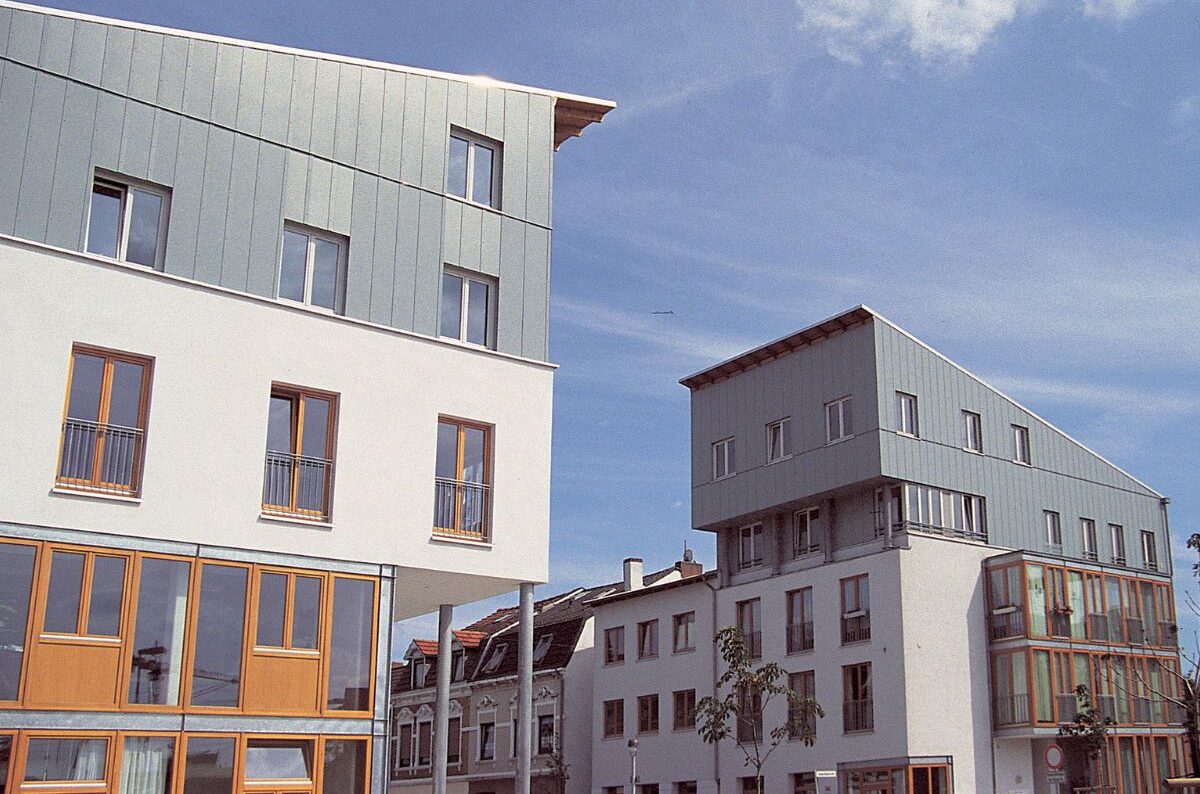
Den charakteristischen Eingang zur Lindenhofstraße bildend, gegenüber von Lichthaus, Waterfront und Weser gelegen, ist das Torhaus Nord die organisatorische Basis für die Aktivitäten von Kultur Vor Ort.
Der Quartierstreff richtet sich an die Nachbarschaften im Quartier, die gerade erst entstehen. Ziel ist es, gemeinsame Anknüpfungspunkte der Nachbarschaften zu ermitteln, sodass zivilgesellschaftliche Strukturen gefördert werden. Die Beteiligung und Mitwirkung der Bewohner:innen stärkt die soziale Entwicklung des Quartiers.
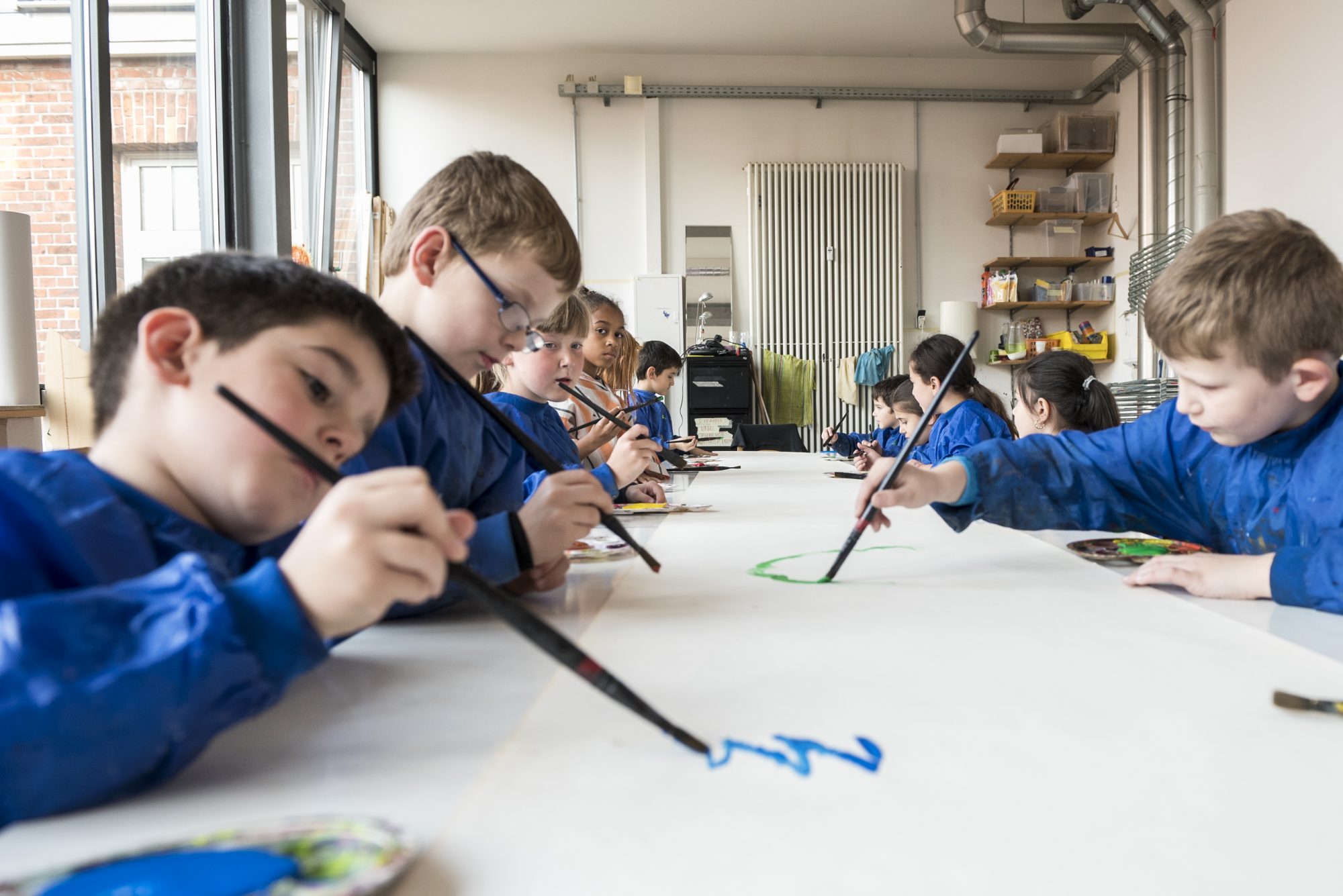
Neue Techniken ausprobieren, Ideen umsetzen, eigene Talente und Ausdrucksmöglichkeiten entdecken. Das Kinder- und Jugendatelier im Atelierhaus Roter Hahn ist der zentrale Ort für künstlerisches Arbeiten und kulturelle Bildung in Gröpelingen.
Inmitten des urban und kulturell divers geprägten Stadtteils Gröpelingen befindet sich das Atelierhaus Roter Hahn mit Galerie und dem Kinder- und Jugendatelier.
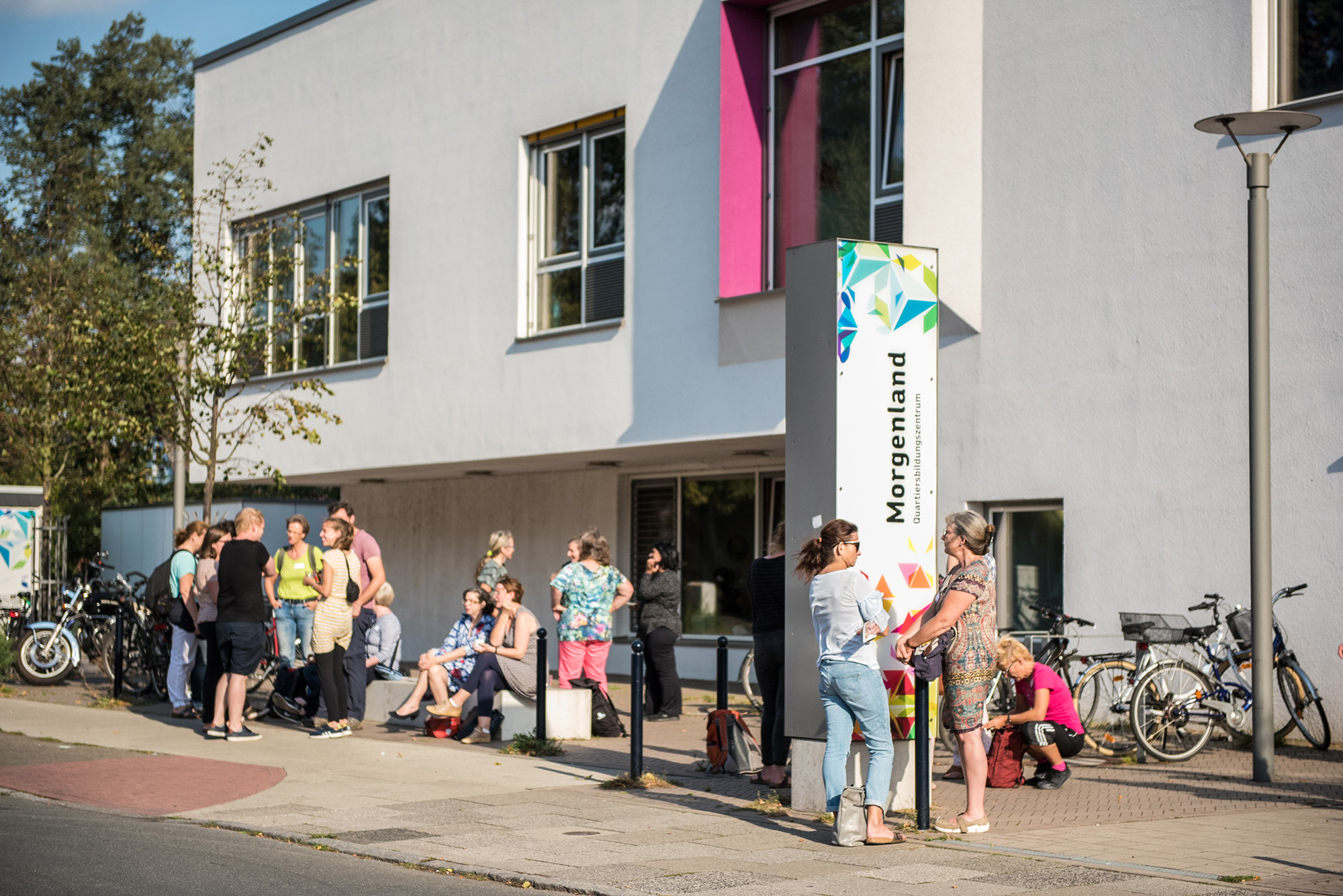
Das 2015 erbaute Quartiers-Bildungszentrum, kurz QBZ, verbindet die Bildungseinrichtungen im Stadtteil, um an gemeinsamen Ansätzen, kohärenten Strukturen und innovativen Programmen zu arbeiten und sich fortzubilden.
Kinder und Erwachsene aus der Nachbarschaft treffen sich hier zu regelmäßigen Kunstaktionen, bei denen zum Beispiel die futuristischen Lichtobjekte für den FEUERSPUREN-Umzug entstehen. Aber auch einfach zum Spielen oder Lesen ist immer Zeit und Platz.
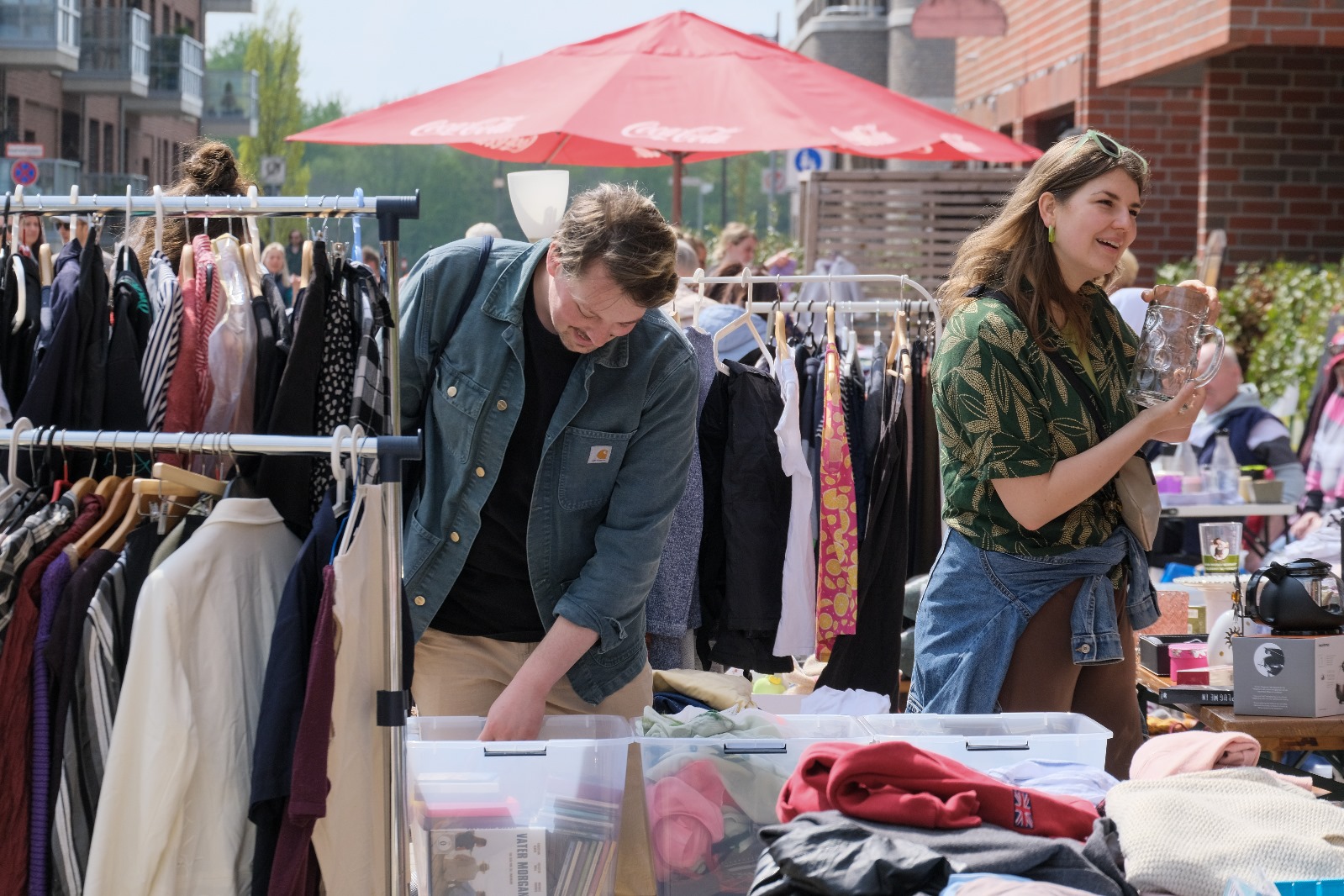
Die Flohmarktsaison in der Überseestadt beginnt! Den Auftakt macht der beliebte Flohmarkt in der Schwabensteinstraße, direkt bei der Blauen Karawane e.V. Am Sonntag, den 26. April, verwandelt sich die Straße von 11:00 bis 16:00 Uhr in einen lebendigen Treffpunkt zum…
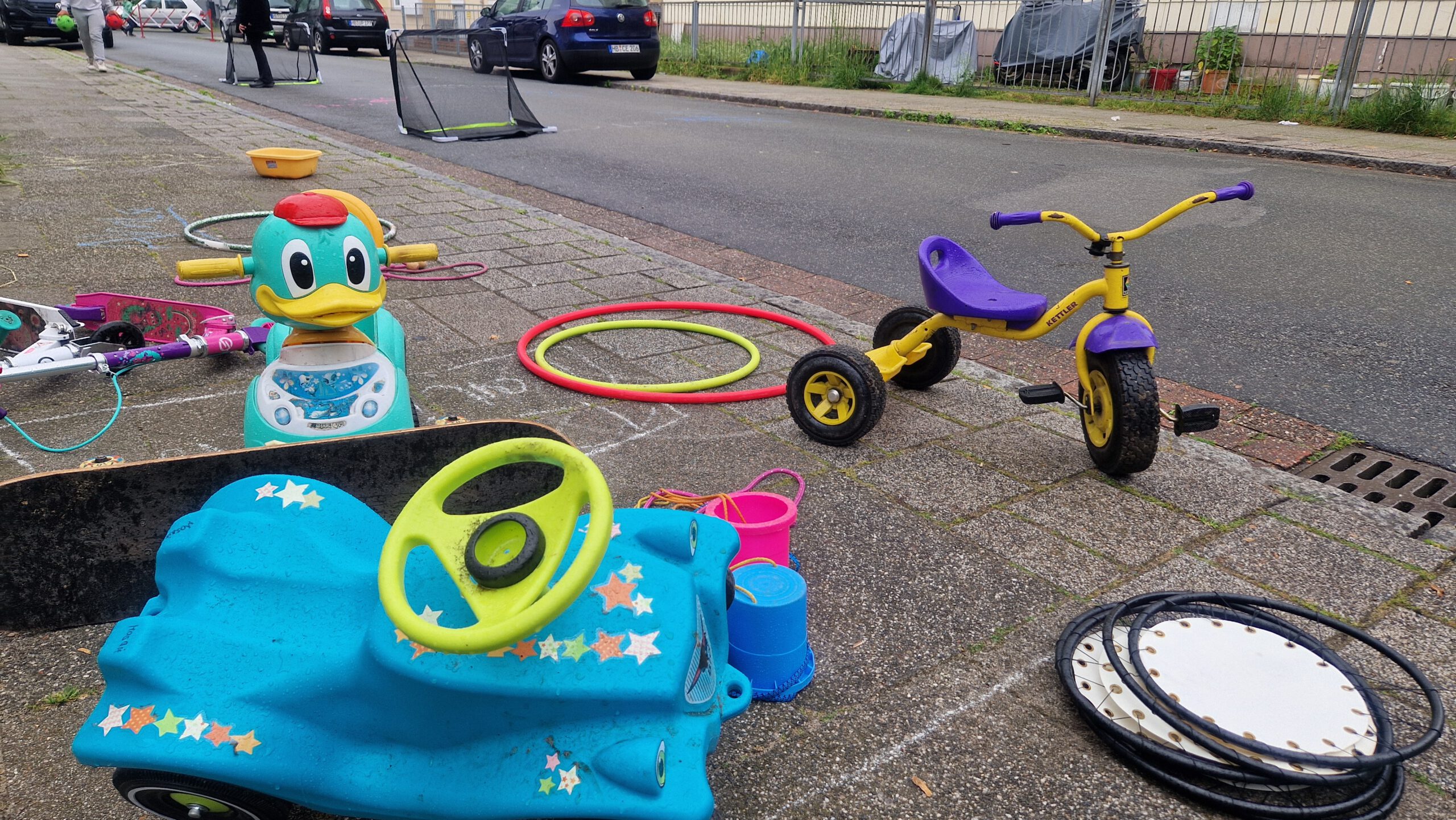
Ab dem 07.04.2026 ist jeden Dienstagnachmittag bis zum 27.10.2026 wieder Spielstraßen-Zeit! Aufgrund der Baustelle in der Liegnitzstraße muss die Spielstraße leider vom 13. April bis 15. Mai 2026 pausieren. Die gute Nachricht: In dieser Zeit öffnen wir immer dienstags von…
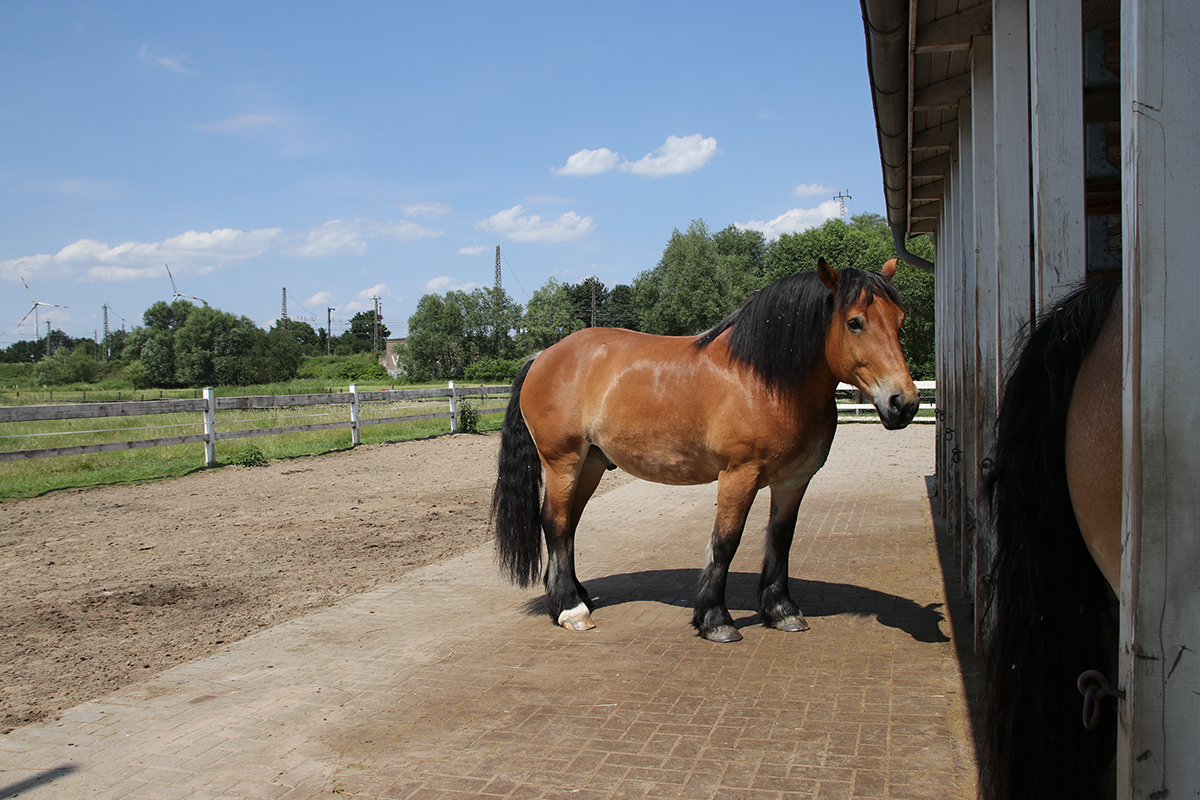
Wir laden am 1. April 2026 ab 14:00 Uhr alle Kinder, Familien und Nachbar:innen herzlich zu einem gemeinsamen Ausflug zur Erlebnisfarm Ohlenhof ein. Auf der Farm leben viele Tiere – unter anderem Schafe, Ziegen, Pferde und Hühner – und es…
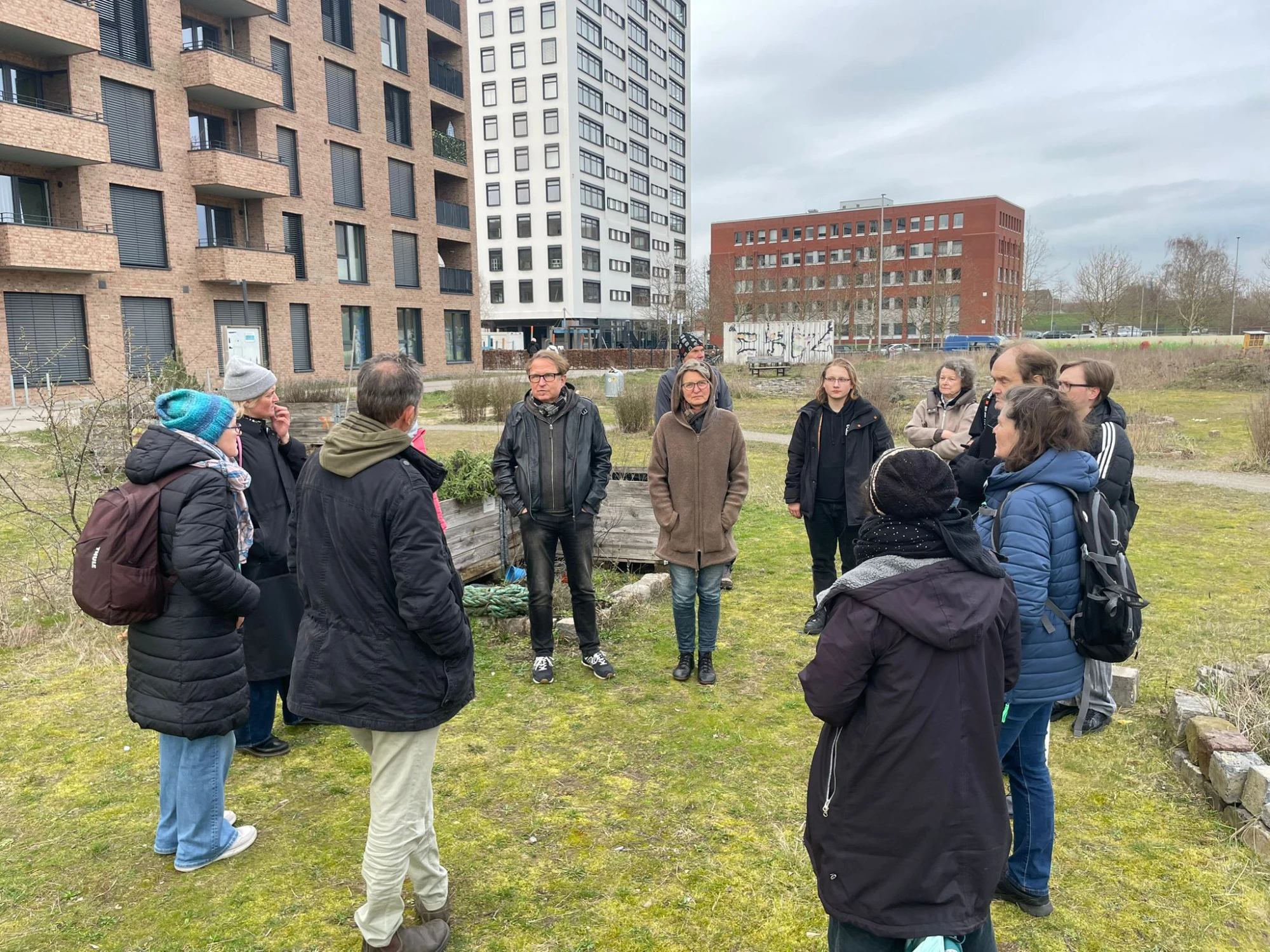
Am 17. März haben wir die Überseewiese gemeinsam mit dem Landschaftsgärtner Volker Kranz und rund 20 Teilnehmenden genauer in den Blick genommen. Ziel war es, die Fläche gemeinsam zu erkunden und über Qualität, Nutzung und Beschaffenheit der Wiese ins Gespräch…
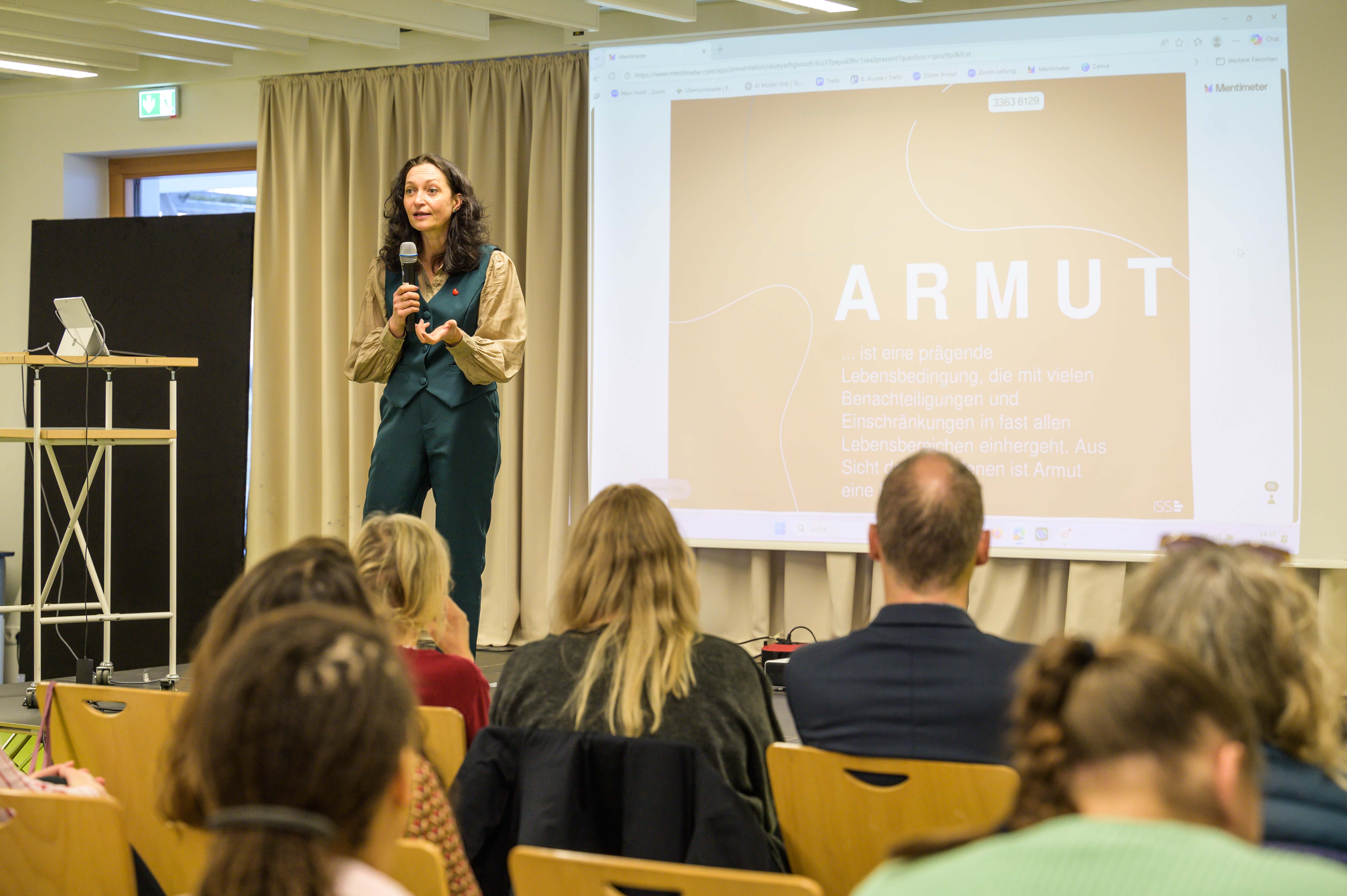
Über 100 Personen aus mehr als 30 Institutionen kamen am Mittwoch, den 04. März 2026 zur Fachtagung ins Quartiersbildungszentrum Morgenland, die sich dem Thema „Armutssensible Pädagogik: Haltung, Wissen, Handeln“ widmete. Zahlreiche Mitarbeiter:innen aus Gröpelinger Kitas und Schulen, darüber hinaus auch…
Für unsere Kinderkunstwerkstatt im Quartierstreff Jetzt Hier suchen wir eine zuverlässige und engagierte Aushilfe zur regelmäßigen Unterstützung der Werkstattleitung. Wann?mittwochs von 16:30 bis 18:00 Uhr (außer in den Ferien). Der wöchentliche Arbeitsumfang beträgt 2 bis 2,5 Stunden. Deine Aufgaben:• Unterstützung…
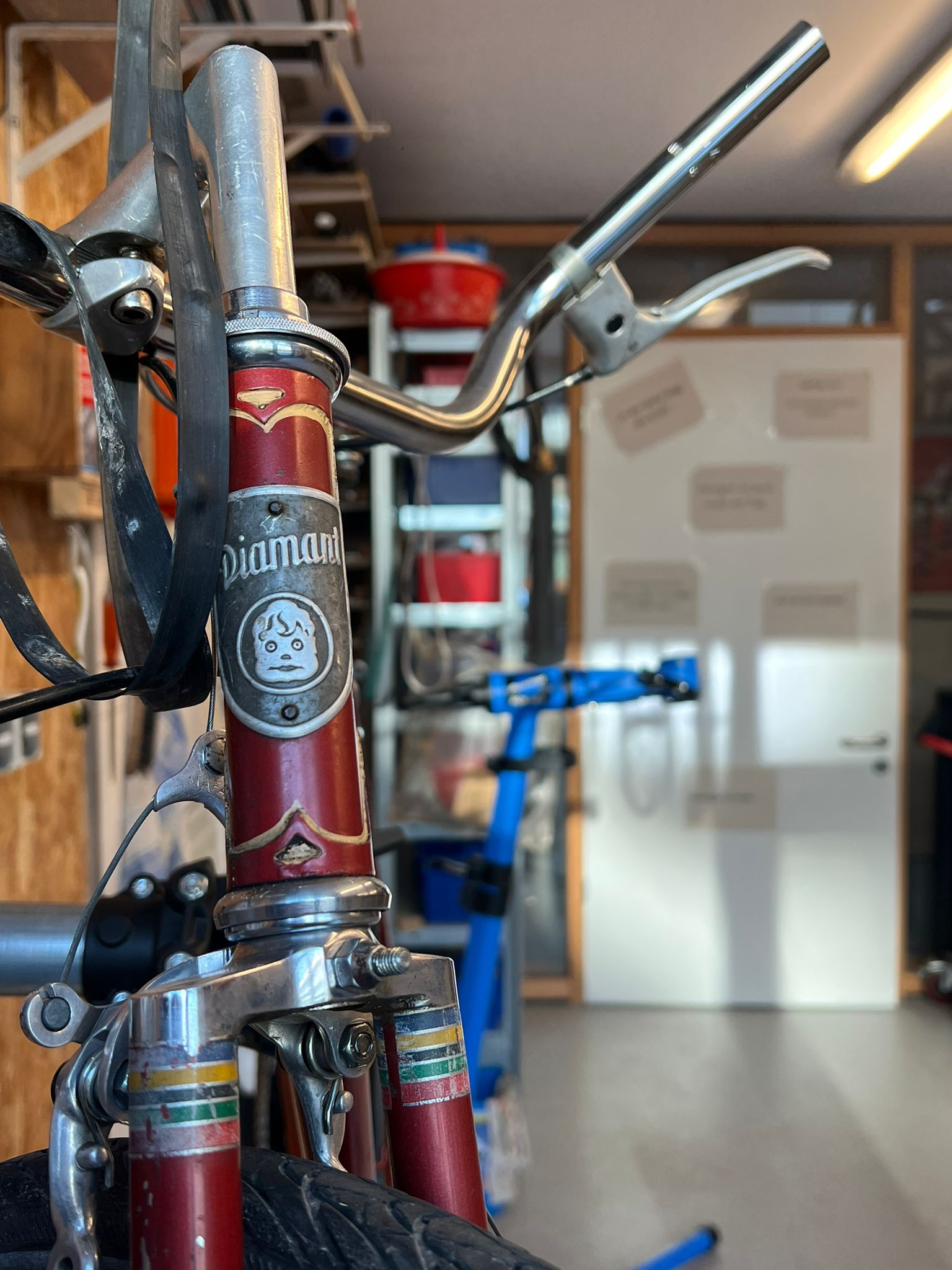
Mit einer Frühlingsaktion startet die offene Fahrradwerkstatt Jetzt Hier – Schrauben in der Blauen Karawane in die neue Fahrradsaison. Beim Check „Fahrrad fit für den Sommer“ können Besucherinnen und Besucher ihr Rad gemeinsam mit einem erfahrenen Ehrenamtlichen durchsehen und kleine…
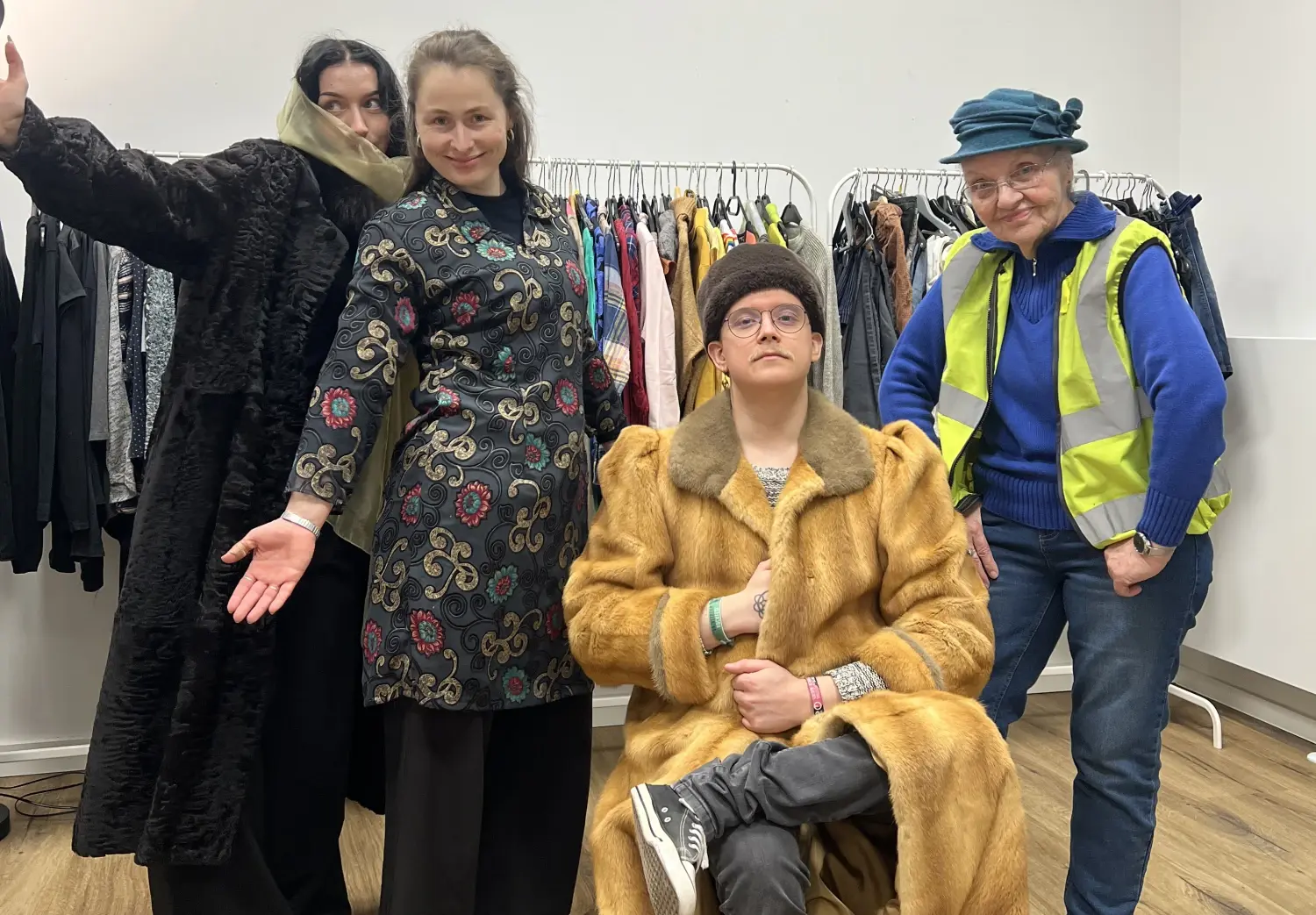
Warum immer neue Kleidung kaufen, wenn gut erhaltene Stücke auch weitergegeben und getauscht werden können? Mit dieser Idee fand vom 24. bis zum 28. Februar im Quartierstreff Jetzt Hier ein Kleidertausch statt – mit sehr großem Erfolg. Denn die geschätzen…
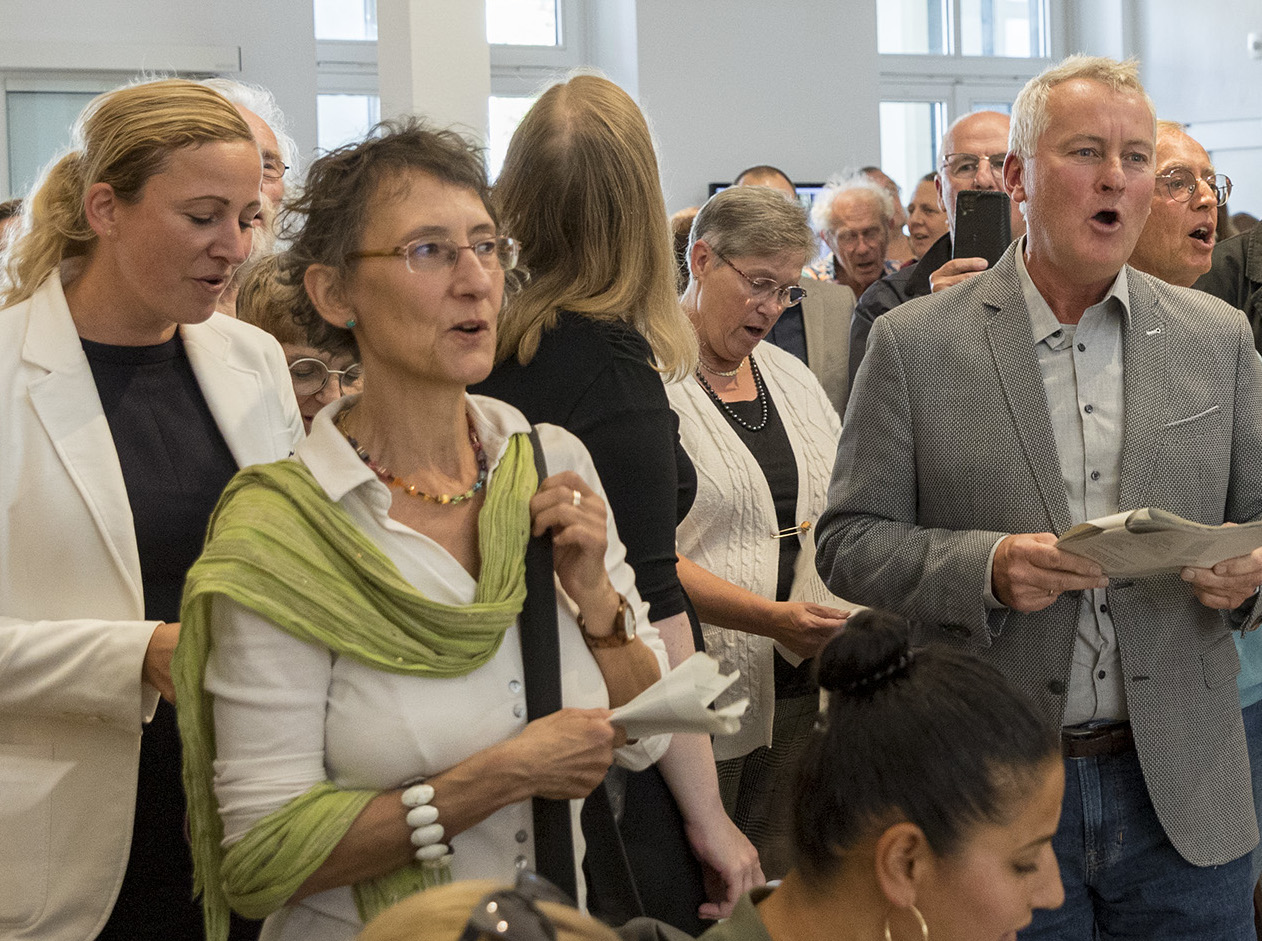
Neue Gesangsreihe im Torhaus Nord: „Das Schöne am Frühling ist, dass er immer dann kommt, wenn man ihn am dringendsten braucht.“— Jean Paul. Der Winter klingt langsam aus. Ein guter Moment, um zusammenzukommen und einfach zu singen. Singen macht Spaß.…
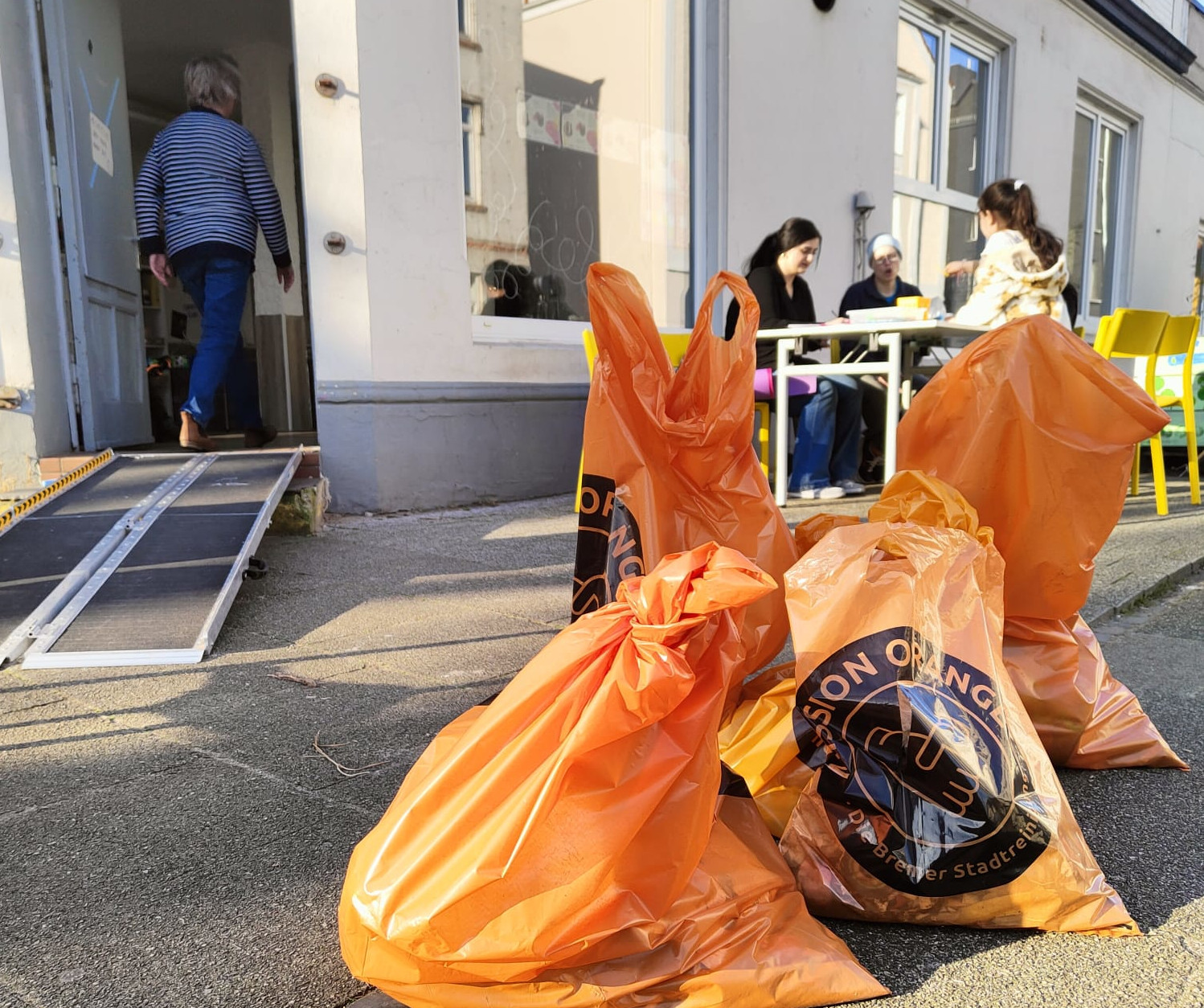
Bremer Aufräumtage: Am Freitag, den 13. März, laden der Treff im Liegnitzquartier und der Kunstkiosk – der Treff im Bromberger Viertel alle Anwohner:innen ein, gemeinsam aktiv zu werden und das Quartier von Müll zu befreien. Die Aktion findet im Rahmen…
Dieser Modus ermöglicht es Menschen mit Epilepsie, die Website sicher zu nutzen, indem das Risiko von Anfällen, die durch blinkende oder blinkende Animationen und riskante Farbkombinationen entstehen, eliminiert wird.
Sehbehindertenmodus
Verbessert die visuelle Darstellung der Website
Dieser Modus passt die Website an die Bequemlichkeit von Benutzern mit Sehbehinderungen wie Sehschwäche, Tunnelblick, Katarakt, Glaukom und anderen an.
Kognitiver Behinderungsmodus
Hilft, sich auf bestimmte Inhalte zu konzentrieren
Dieser Modus bietet verschiedene Hilfsoptionen, um Benutzern mit kognitiven Beeinträchtigungen wie Legasthenie, Autismus, CVA und anderen zu helfen, sich leichter auf die wesentlichen Elemente der Website zu konzentrieren.
ADHS-freundlicher Modus
Reduziert Ablenkungen und verbessert die Konzentration
Dieser Modus hilft Benutzern mit ADHS und neurologischen Entwicklungsstörungen, leichter zu lesen, zu surfen und sich auf die Hauptelemente der Website zu konzentrieren, während Ablenkungen erheblich reduziert werden.
Blindheitsmodus
Ermöglicht die Nutzung der Website mit Ihrem Screenreader
Dieser Modus konfiguriert die Website so, dass sie mit Screenreadern wie JAWS, NVDA, VoiceOver und TalkBack kompatibel ist. Ein Screenreader ist eine Software für blinde Benutzer, die auf einem Computer und Smartphone installiert wird und mit der Websites kompatibel sein müssen.
Lesbare Erfahrung
Textlupe
Lesbare Schriftart
Legasthenie-freundlich
Markieren Sie Titel
Links hervorheben
Schriftgröße
Standard
Zeilenhöhe
Standard
Buchstaben-Abstand
Standard
Linksbündig
Zentriert ausgerichtet
Rechtsbündig
Optisch ansprechendes Erlebnis
Dunkler Kontrast
Leichter Kontrast
Einfarbig
Hoher Kontrast
Hohe Sättigung
Niedrige Sättigung
Einfache Orientierung
Töne stummschalten
Bilder ausblenden
Emoji ausblenden
Lesehilfe
Animationen stoppen
Lesemaske
Markieren Sie Schweben
Fokus hervorheben
Großer dunkler Cursor
Großer Lichtcursor
Kognitives Lesen
Virtuelle Tastatur
Navigationstasten
Sprachnavigation
Accessibility Statement
kultur-vor-ort.com
1. April 2026
Compliance status
We firmly believe that the internet should be available and accessible to anyone, and are committed to providing a website that is accessible to the widest possible audience,
regardless of circumstance and ability.
To fulfill this, we aim to adhere as strictly as possible to the World Wide Web Consortium’s (W3C) Web Content Accessibility Guidelines 2.1 (WCAG 2.1) at the AA level.
These guidelines explain how to make web content accessible to people with a wide array of disabilities. Complying with those guidelines helps us ensure that the website is accessible
to all people: blind people, people with motor impairments, visual impairment, cognitive disabilities, and more.
This website utilizes various technologies that are meant to make it as accessible as possible at all times. We utilize an accessibility interface that allows persons with specific
disabilities to adjust the website’s UI (user interface) and design it to their personal needs.
Additionally, the website utilizes an AI-based application that runs in the background and optimizes its accessibility level constantly. This application remediates the website’s HTML,
adapts Its functionality and behavior for screen-readers used by the blind users, and for keyboard functions used by individuals with motor impairments.
If you’ve found a malfunction or have ideas for improvement, we’ll be happy to hear from you. You can reach out to the website’s operators by using the following email
Screen-reader and keyboard navigation
Our website implements the ARIA attributes (Accessible Rich Internet Applications) technique, alongside various different behavioral changes, to ensure blind users visiting with
screen-readers are able to read, comprehend, and enjoy the website’s functions. As soon as a user with a screen-reader enters your site, they immediately receive
a prompt to enter the Screen-Reader Profile so they can browse and operate your site effectively. Here’s how our website covers some of the most important screen-reader requirements,
alongside console screenshots of code examples:
Screen-reader optimization: we run a background process that learns the website’s components from top to bottom, to ensure ongoing compliance even when updating the website.
In this process, we provide screen-readers with meaningful data using the ARIA set of attributes. For example, we provide accurate form labels;
descriptions for actionable icons (social media icons, search icons, cart icons, etc.); validation guidance for form inputs; element roles such as buttons, menus, modal dialogues (popups),
and others. Additionally, the background process scans all the website’s images and provides an accurate and meaningful image-object-recognition-based description as an ALT (alternate text) tag
for images that are not described. It will also extract texts that are embedded within the image, using an OCR (optical character recognition) technology.
To turn on screen-reader adjustments at any time, users need only to press the Alt+1 keyboard combination. Screen-reader users also get automatic announcements to turn the Screen-reader mode on
as soon as they enter the website.
These adjustments are compatible with all popular screen readers, including JAWS and NVDA.
Keyboard navigation optimization: The background process also adjusts the website’s HTML, and adds various behaviors using JavaScript code to make the website operable by the keyboard. This includes the ability to navigate the website using the Tab and Shift+Tab keys, operate dropdowns with the arrow keys, close them with Esc, trigger buttons and links using the Enter key, navigate between radio and checkbox elements using the arrow keys, and fill them in with the Spacebar or Enter key.Additionally, keyboard users will find quick-navigation and content-skip menus, available at any time by clicking Alt+1, or as the first elements of the site while navigating with the keyboard. The background process also handles triggered popups by moving the keyboard focus towards them as soon as they appear, and not allow the focus drift outside it.
Users can also use shortcuts such as “M” (menus), “H” (headings), “F” (forms), “B” (buttons), and “G” (graphics) to jump to specific elements.
Disability profiles supported in our website
Epilepsy Safe Mode: this profile enables people with epilepsy to use the website safely by eliminating the risk of seizures that result from flashing or blinking animations and risky color combinations.
Visually Impaired Mode: this mode adjusts the website for the convenience of users with visual impairments such as Degrading Eyesight, Tunnel Vision, Cataract, Glaucoma, and others.
Cognitive Disability Mode: this mode provides different assistive options to help users with cognitive impairments such as Dyslexia, Autism, CVA, and others, to focus on the essential elements of the website more easily.
ADHD Friendly Mode: this mode helps users with ADHD and Neurodevelopmental disorders to read, browse, and focus on the main website elements more easily while significantly reducing distractions.
Blindness Mode: this mode configures the website to be compatible with screen-readers such as JAWS, NVDA, VoiceOver, and TalkBack. A screen-reader is software for blind users that is installed on a computer and smartphone, and websites must be compatible with it.
Keyboard Navigation Profile (Motor-Impaired): this profile enables motor-impaired persons to operate the website using the keyboard Tab, Shift+Tab, and the Enter keys. Users can also use shortcuts such as “M” (menus), “H” (headings), “F” (forms), “B” (buttons), and “G” (graphics) to jump to specific elements.
Additional UI, design, and readability adjustments
Font adjustments – users, can increase and decrease its size, change its family (type), adjust the spacing, alignment, line height, and more.
Color adjustments – users can select various color contrast profiles such as light, dark, inverted, and monochrome. Additionally, users can swap color schemes of titles, texts, and backgrounds, with over seven different coloring options.
Animations – person with epilepsy can stop all running animations with the click of a button. Animations controlled by the interface include videos, GIFs, and CSS flashing transitions.
Content highlighting – users can choose to emphasize important elements such as links and titles. They can also choose to highlight focused or hovered elements only.
Audio muting – users with hearing devices may experience headaches or other issues due to automatic audio playing. This option lets users mute the entire website instantly.
Cognitive disorders – we utilize a search engine that is linked to Wikipedia and Wiktionary, allowing people with cognitive disorders to decipher meanings of phrases, initials, slang, and others.
Additional functions – we provide users the option to change cursor color and size, use a printing mode, enable a virtual keyboard, and many other functions.
Browser and assistive technology compatibility
We aim to support the widest array of browsers and assistive technologies as possible, so our users can choose the best fitting tools for them, with as few limitations as possible. Therefore, we have worked very hard to be able to support all major systems that comprise over 95% of the user market share including Google Chrome, Mozilla Firefox, Apple Safari, Opera and Microsoft Edge, JAWS and NVDA (screen readers).
Notes, comments, and feedback
Despite our very best efforts to allow anybody to adjust the website to their needs. There may still be pages or sections that are not fully accessible, are in the process of becoming accessible, or are lacking an adequate technological solution to make them accessible. Still, we are continually improving our accessibility, adding, updating and improving its options and features, and developing and adopting new technologies. All this is meant to reach the optimal level of accessibility, following technological advancements. For any assistance, please reach out to